
The extension is published as:
Lenke.tonto
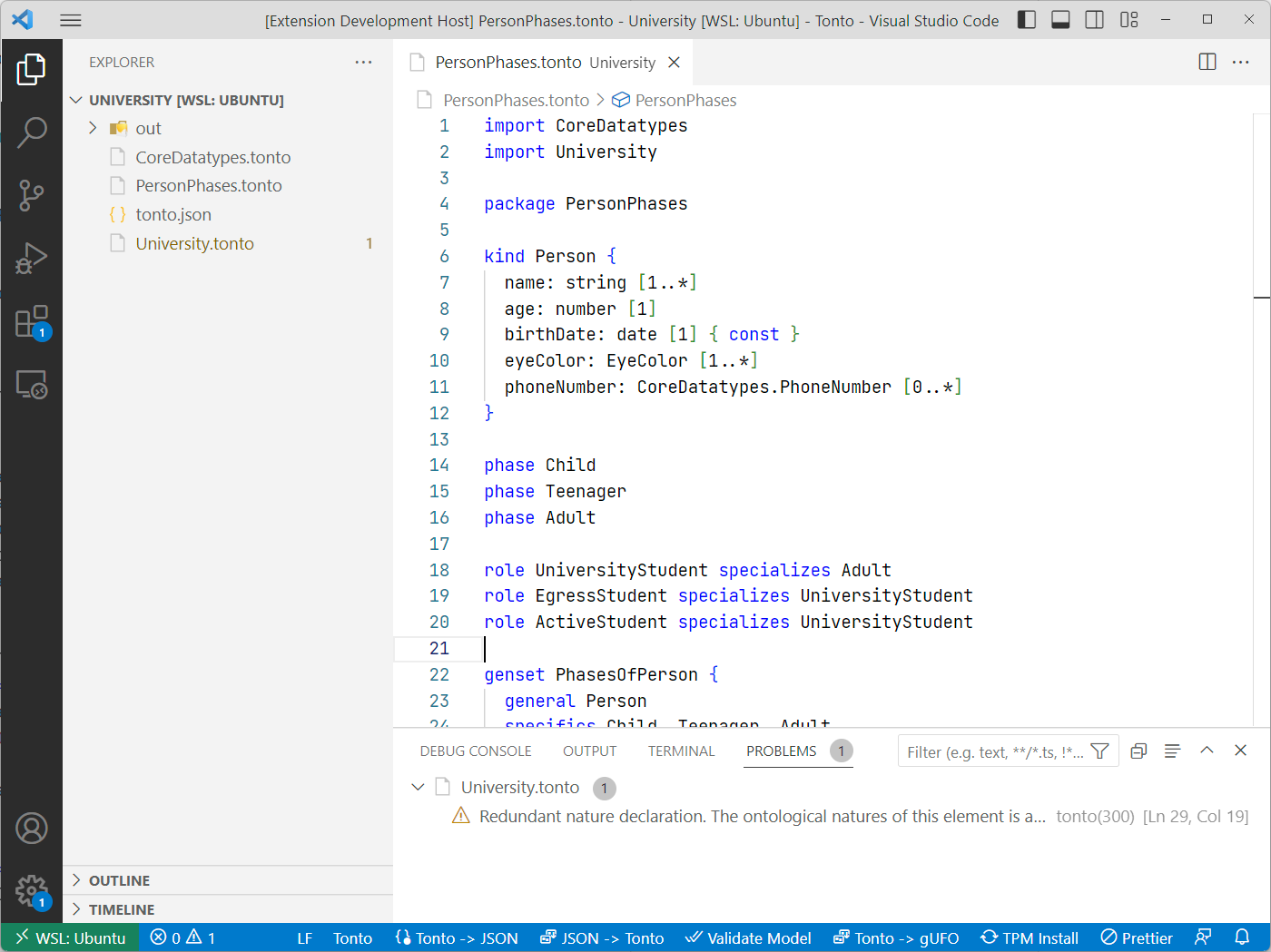
It activates for Tonto workspaces and provides editor support for .tonto and .tontodiagram files.
Language support
The extension contributes:
tontolanguage for.tontofiles.tontodiagramlanguage for.tontodiagramfiles.- TextMate grammars for syntax highlighting.
- Language configuration for editor behavior.
- JSON schema association for
tonto.json.
Commands
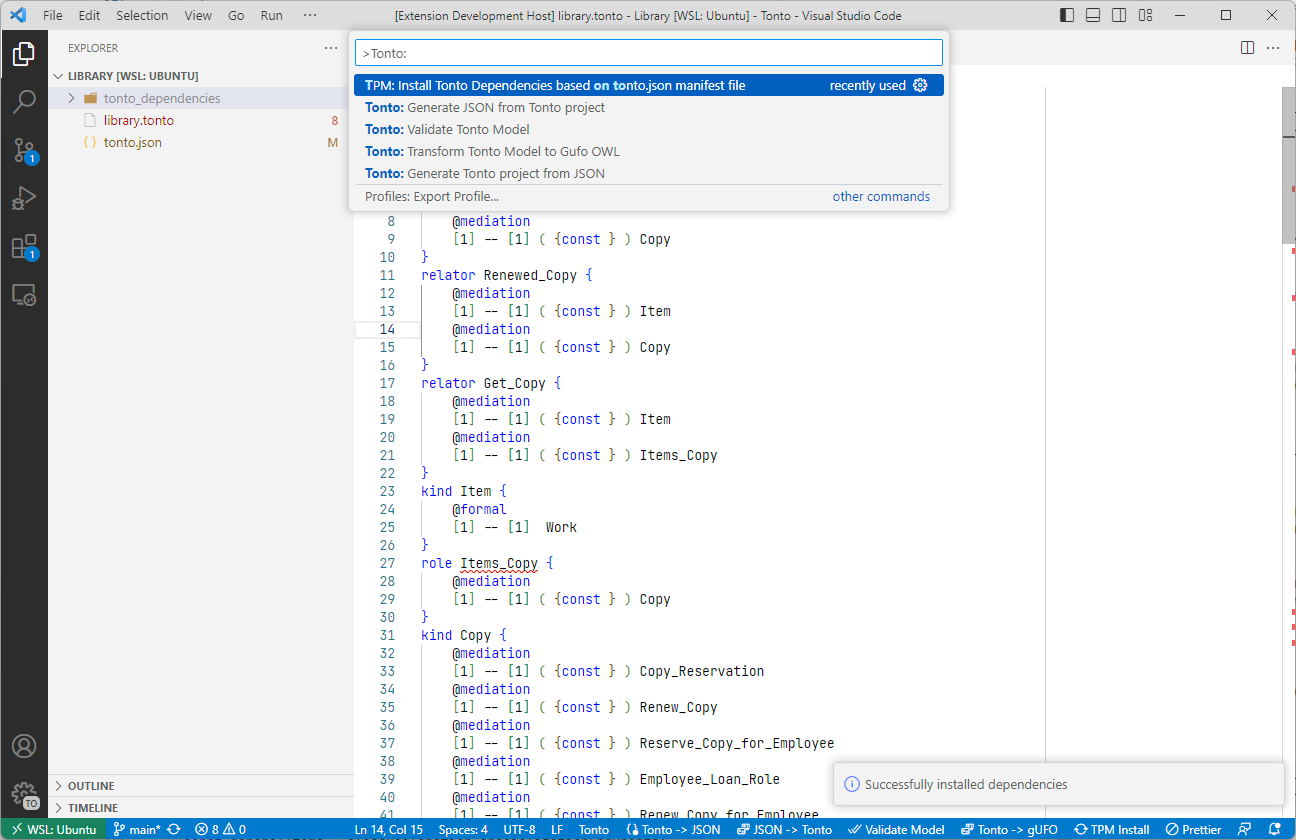
The extension contributes these command palette entries:
| Command title | Command id |
|---|---|
| Open Tonto Diagram | tonto.diagram.open |
| New Diagram From Current Model | tonto.diagram.createFile |
| Transform Tonto -> JSON | tonto.generateJSON |
| Transform JSON -> Tonto | tonto.generateTonto |
| Init new Tonto project | tonto.initProject |
| Validate Model | tonto.validateModel |
| Transform to GUFO | tonto.transformModel |
| Install Packages (TPM) | tonto.tpm.install |
| Add Guidances to project (Work with LLMs) | tonto.addGuidances |
| Add Tonto Skill to project | tonto.addSkill |
| Open PlantUML Diagram | tonto.diagram.plantuml.open |
| Open Ontology PlantUML Diagram | tonto.diagram.plantuml.openProject |
| Export PlantUML | tonto.diagram.plantuml.export |
Validation
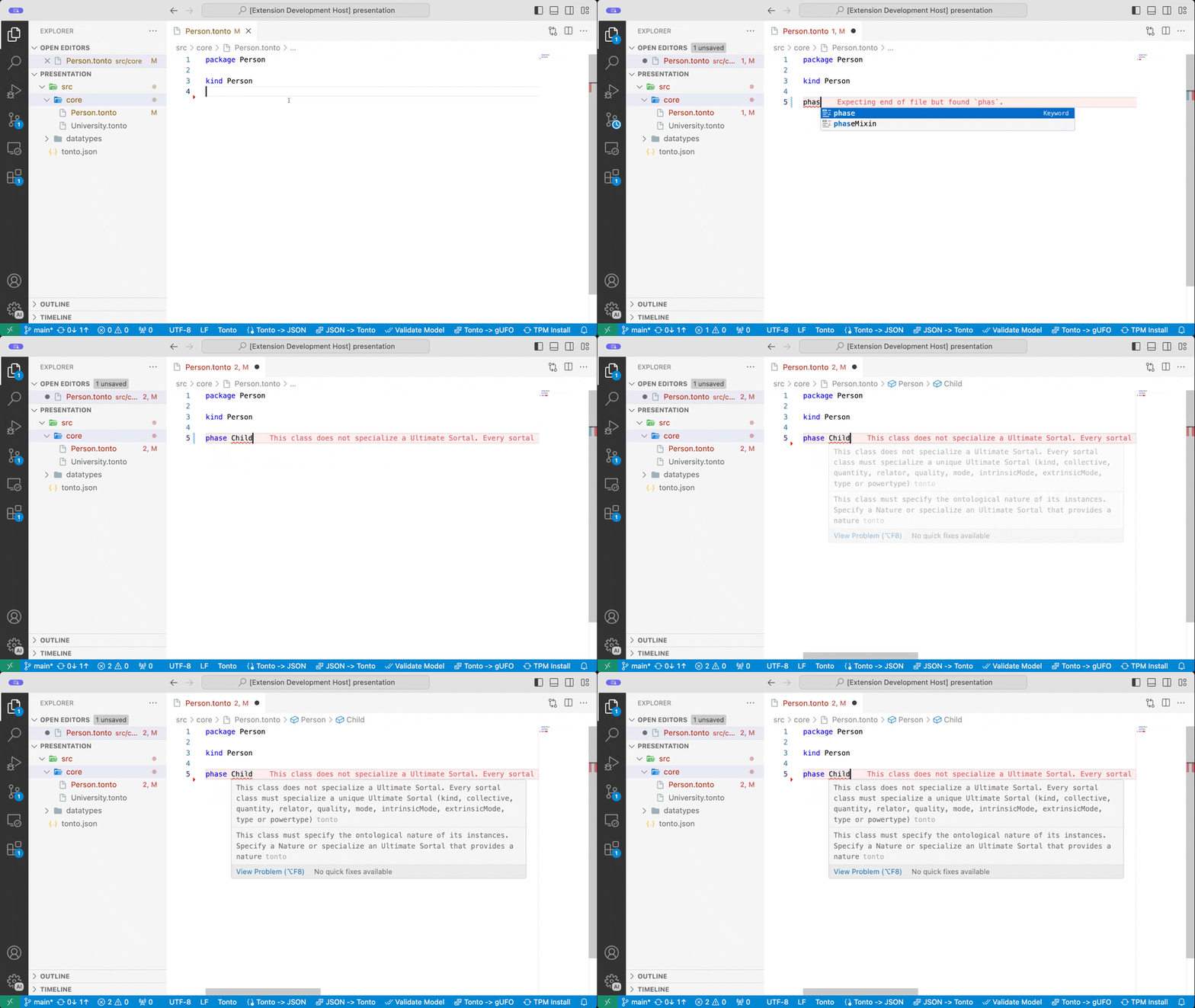
Validation runs as you edit and reports syntax and semantic problems inline. Current validators include:
- Ultimate sortal specialization.
- Sortal specializes more than one ultimate sortal.
- Sortal missing an ultimate sortal specialization.
- Rigid element specializing anti-rigid element.
- Compatible and redundant ontological natures.
- Duplicate names and circular specialization.
Completion and snippets
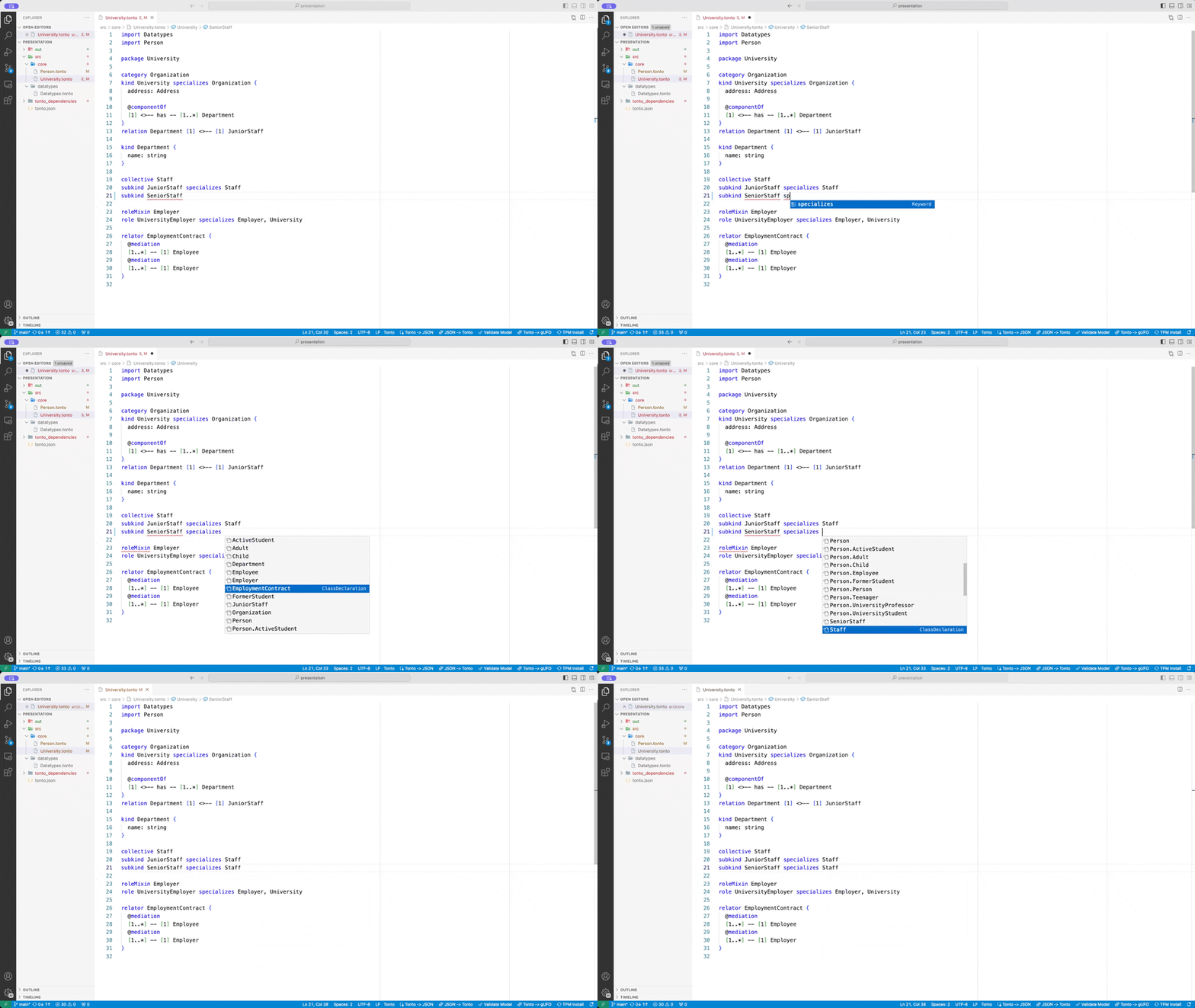
The language server provides completions for:
- Class declarations.
- Datatypes.
- Attributes and cardinalities.
- Relations and relation snippets.
- Generalization sets.
- Enum snippets.
Settings
The alpha .tontodiagram editor is disabled by default.
Enable it with:
{
  "tonto.features.tontodiagram.enabled": true
}
When disabled, the classic Tonto diagram and PlantUML workflows remain available.
Keybindings
When the diagram editor is focused:
| Key | Command |
|---|---|
Alt+F | Fit to screen. |
Alt+C | Center selection. |
Alt+E | Export diagram to SVG. |
Delete | Delete selected element. |