TPM is the Tonto Package Manager. The current npm package and command are both named tpm.
npm install -g tpm
tpm help
TPM lets a Tonto project reuse other Tonto projects as dependencies.
Manifest dependencies
TPM reads the dependencies object in tonto.json:
{
  "projectName": "Aguiar2019ooco",
  "displayName": "Aguiar 2019 Object Oriented Example",
  "publisher": "Aguiar",
  "version": "1.0.0",
  "license": "MIT",
  "dependencies": {
    "SWO": {
      "url": "https://github.com/matheuslenke/tonto-example-models.git",
      "directory": "SWO",
      "branch": "feature/test-tonto-reference"
    },
    "SPO": {
      "url": "https://github.com/matheuslenke/tonto-example-models.git",
      "directory": "SPO",
      "version": "1.0.0"
    }
  },
  "outFolder": "outDirectory"
}
Dependency fields:
| Field | Required | Purpose |
|---|---|---|
url | Yes | Git repository URL. |
directory | No | Subdirectory inside the repository containing the Tonto project. |
version | No | Git tag to install. |
branch | No | Git branch to install. |
If neither version nor branch is provided, TPM clones the repository default branch.
Install dependencies
Run from the project root:
tpm install
or:
tpm i
Install a different project directory:
tpm install --dir path/to/project
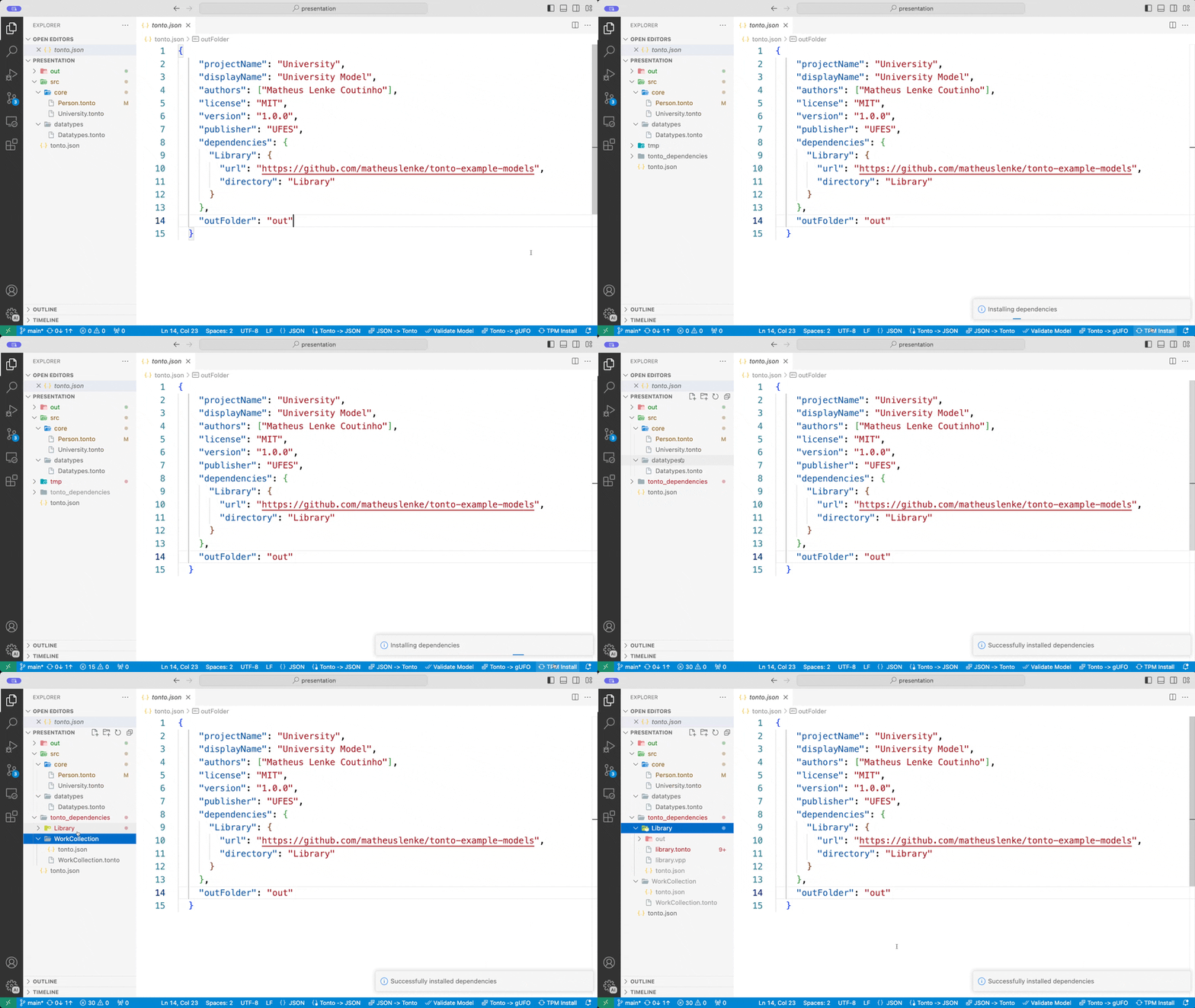
TPM clones dependencies into a temporary folder, resolves nested dependencies recursively, then copies the selected projects into tonto_dependencies.
Add a dependency
Use the current add command:
tpm add . -n CoreTypes -u https://github.com/example/tonto-core-types.git -v 1.0.0
Include a subdirectory:
tpm add . -n CoreTypes -u https://github.com/example/tonto-libraries.git -v 1.0.0 -d core-types
Dependency folder
Installed dependencies are placed under:
tonto_dependencies/
Do not commit this folder. It should be restored with tpm install.